> ## Documentation Index
> Fetch the complete documentation index at: https://docs.mudstack.com/llms.txt
> Use this file to discover all available pages before exploring further.
# Searching
> Find what you need, fast.
Searching for files in Mudstack is the fastest way to find what you're looking for.
Using the combination of search keywords and filters, you no longer need to know the exact file name or location in order to find what you're looking for.
{" "}
The desktop app searches against a local database of your last [fetched](/features/fetch)
cloud data + your local data. If you want the most up to date cloud data to search
against, click `Fetch` icon in the left side of the toolbar before searching.
## Using Mudstack Search
Click in the search bar and type in the search phrase you want to use.
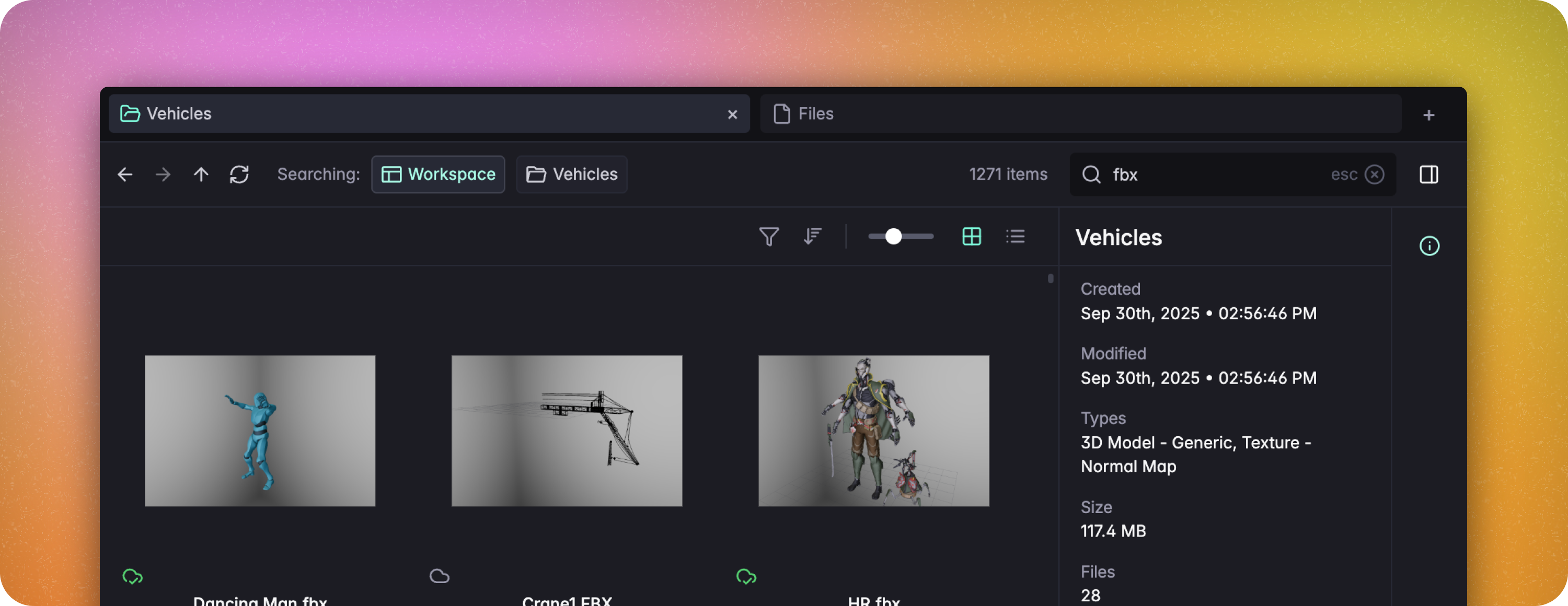 Search runs against the entire workspace by default. If you are in a folder, you will see the option to change the search scope to the current folder you are viewing.
### Filters
With thoughtful usage of [Tags](/features/tags) and [Libraries](/features/libraries), the built in filters can help you narrow down the file you're looking for.
Do you want to filter against all files in the workspace? Type `.` into the
search bar while at the workspace root, and use the filters to narrow down
your results.
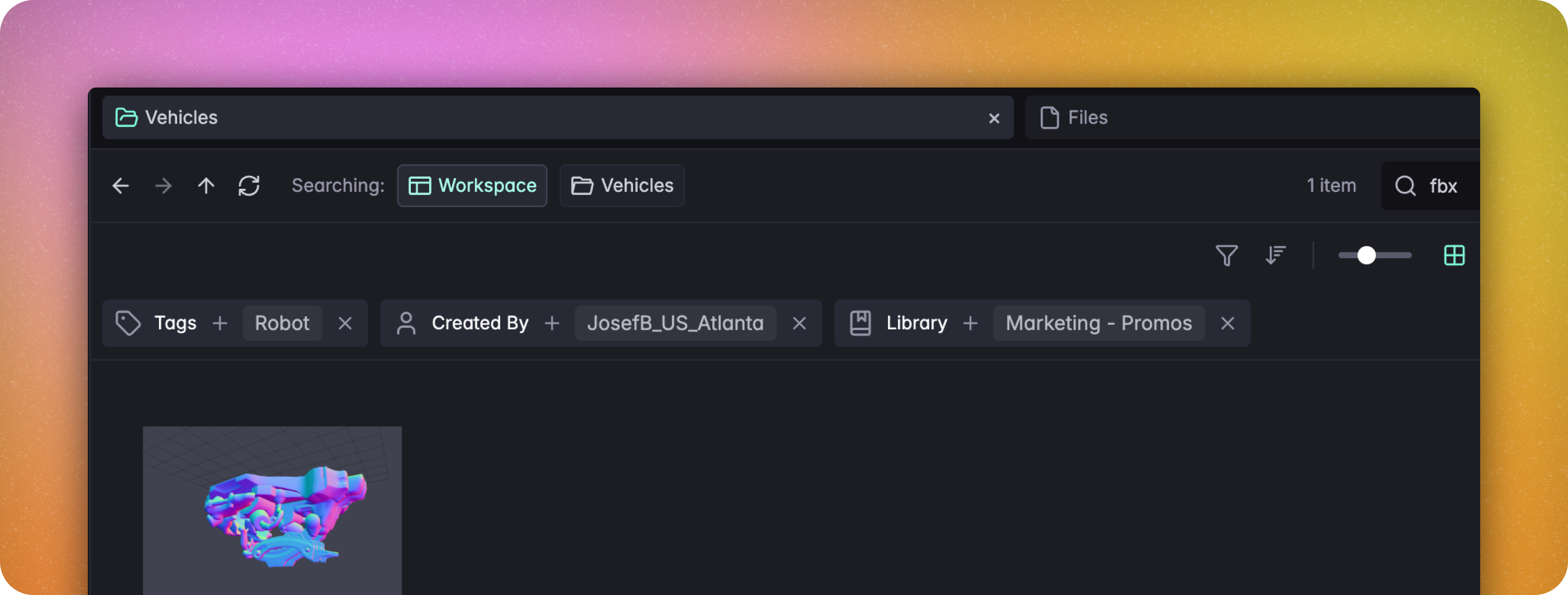
Ever wish you could find that `Robot` `FBX` that `Josef` made last year for `The
Grind` project? In Mudstack, you can do that.
Search runs against the entire workspace by default. If you are in a folder, you will see the option to change the search scope to the current folder you are viewing.
### Filters
With thoughtful usage of [Tags](/features/tags) and [Libraries](/features/libraries), the built in filters can help you narrow down the file you're looking for.
Do you want to filter against all files in the workspace? Type `.` into the
search bar while at the workspace root, and use the filters to narrow down
your results.
Ever wish you could find that `Robot` `FBX` that `Josef` made last year for `The
Grind` project? In Mudstack, you can do that.